
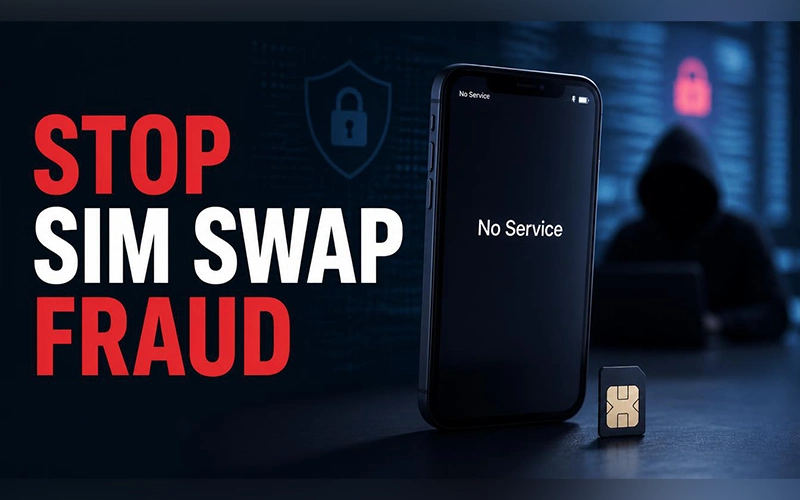


It usually starts small. Your phone suddenly shows “No Service” while you’re at home, and you assume the network is having a bad day. Meanwhile, someone else may be trying to reset your email password using a verification code meant for you.
SIM swap fraud occurs when a criminal tricks your mobile carrier into transferring your number to a SIM card or eSIM they control, allowing them to receive your calls and text messages.
Cifas, the UK’s fraud prevention service, recorded nearly 3,000 unauthorized SIM-swap cases on its National Fraud Database in 2024, a 1,055% increase from the previous year. These figures highlight the importance of protecting your mobile account.
Learn practical ways to protect your phone number from SIM swap attacks, spot suspicious activity, strengthen account security, and regain control if your number is hijacked.
How SIM Swap Fraud Works
SIM-swapping criminals usually target your personal information and mobile carrier account rather than your phone itself.
They may collect your name, address, date of birth, email address, or other details through data breaches, phishing messages, and public social media profiles. They then use that information to impersonate you when contacting your carrier by phone, online chat, or in person.
If the carrier approves the fraudulent request, your number is transferred to a SIM or eSIM controlled by the attacker. Your phone may lose service while the other device begins receiving your calls and texts.
The criminal may use intercepted verification codes to access accounts linked to your number. If they also compromise your email, they may be able to reset additional passwords.
You do not necessarily need to click a suspicious link or install anything for this attack to succeed. A phone screen lock protects access to your handset, but it cannot prevent a criminal from manipulating your carrier into transferring your number.
For more details, read the FTC’s guide on how SIM swap scams work and how to protect yourself.
Warning Signs You Shouldn’t Ignore
Knowing how to tell if you’ve been SIM swapped can help you respond before more accounts are compromised.
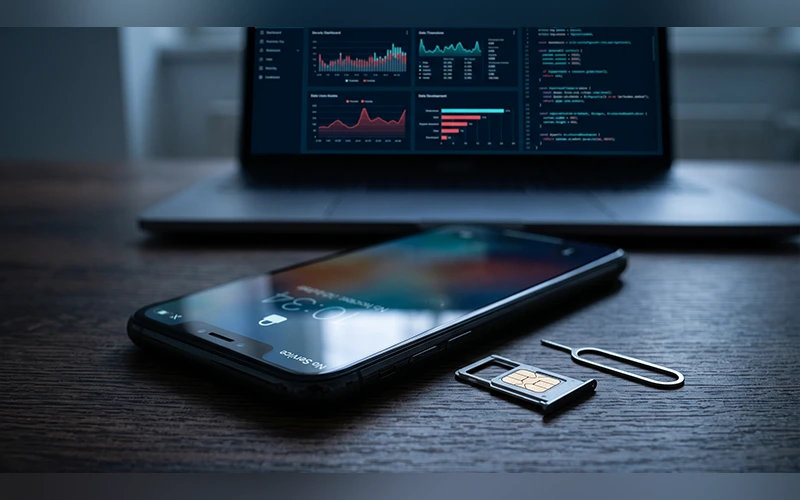
The most obvious warning sign is a sudden loss of cellular service in a location where your signal is normally reliable. Your phone may display “No Service,” “SOS only,” or a similar message.
Network outages and technical problems can cause the same symptoms, so a loss of signal alone does not confirm fraud. However, investigate immediately if the problem is unexpected or accompanied by other unusual activity.
Watch for these signs:
- An alert from your mobile provider confirming an unexpected SIM swap, eSIM setup, or modification to your account details.
- WhatsApp or another messaging service logging you out or notifying you that your number has been registered on another device.
- Unexpected password-reset emails, login alerts, or verification messages.
- Passwords that suddenly stop working.
- Unrecognized bank transactions or alerts about changes to your financial accounts.
- Messages from your carrier confirming a number transfer you did not authorize.
If several signs appear together, use Wi-Fi or another phone to contact your carrier. Do not wait for your regular cellular service to return before investigating.
Lock Your Carrier Account First
Your mobile carrier controls how your number is assigned to a SIM or eSIM, making carrier-level protection one of the most important defenses against SIM-swap fraud.
Look for SIM-change restrictions, number-transfer locks, account PINs, and additional identity verification. Feature names and availability vary by carrier, country, and account type, so confirm the current instructions in your provider’s official app or support website.
Verizon: Enable SIM Protection and Number Lock
Verizon offers two separate security features.
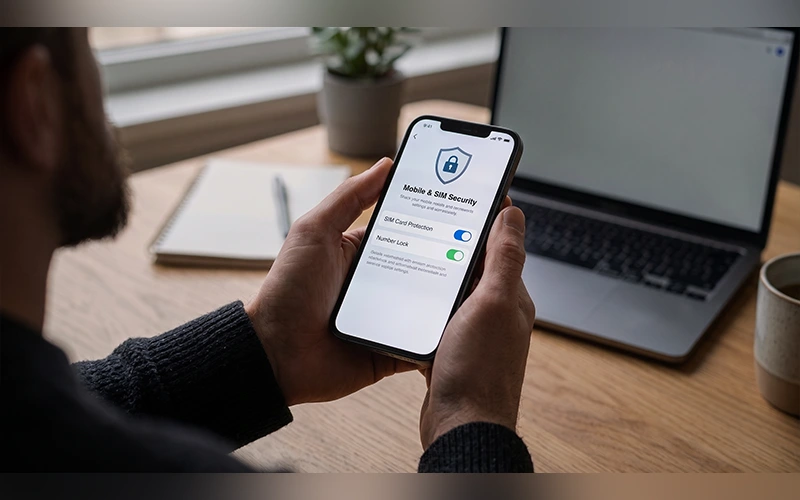
SIM Protection blocks transactions that require a new SIM, including SIM swaps and certain device upgrades. Number Lock prevents your mobile number from being transferred to another carrier while the feature is enabled.
To enable them:
- Open the My Verizon app or sign in to the Verizon website.
- Open your account or profile settings.
- Find the security settings.
- Enable SIM Protection for each relevant mobile number.
- Enable Number Lock for those numbers as well.
- Confirm that both settings are active.
You may need to disable SIM Protection temporarily for an eligible SIM change or device upgrade. Verizon states that certain changes remain blocked for 15 minutes after the feature is disabled.
T-Mobile: Enable SIM Protection and Port-Out Security
T-Mobile provides two distinct protections against unauthorized changes.
SIM Protection restricts unauthorized SIM changes, while Port Out Protection helps prevent someone from transferring your number to another carrier.
To enable SIM Protection, sign in through the T-Life app or T-Mobile website and look for the SIM Protection setting under your account’s security options. Enable it for the account or individual lines, depending on the available settings.
Next, enable Port Out Protection for every eligible line. T-Mobile requires this feature to be added to each line individually.
Availability and procedures differ across account types, so check your current plan and official T-Mobile instructions before relying on either feature.
AT&T: Turn On Wireless Account Lock
AT&T offers Wireless Account Lock, a free feature that restricts certain changes to your wireless account, including SIM or eSIM changes and number transfers.
To enable it:
- Open the AT&T app on a device associated with your account.
- Sign in and open your profile or account settings.
- Select Wireless Account Lock.
- Turn the feature on and confirm the change.
- Check for the confirmation notification.
Also set a strong, unique account passcode and restrict account access to people you trust. Remember that authorized account users may have permission to change security settings, so review who can manage your account.
Vodafone: Add Extra Verification
If you use Vodafone, check your current account security options and ask customer support which additional verification measures are available for SIM replacements and number transfers.
Protect your My Vodafone account with a unique password and keep your account recovery details current. Ask whether you can add an account PIN, security password, or other verification requirement for sensitive changes.
Do not assume that a standard account password alone will prevent every unauthorized transfer. Confirm the protections available for your specific Vodafone service and country.
Set a SIM PIN on Your Phone
A SIM PIN helps prevent someone from using your physical SIM without authorization, but it cannot stop a carrier-level SIM swap. For that, you need additional protection on your mobile account.
On an iPhone:
- Open Settings.
- Select Cellular or Mobile Service.
- Tap SIM PIN.
- Enable it and change the default PIN if necessary.
On Android:
- Open Settings.
- Look for Security, Privacy, or SIM card settings.
- Locate the SIM lock setting or its corresponding option.
- Enable the lock and follow the instructions for setting a PIN.
The exact Android menu varies by manufacturer and software version.
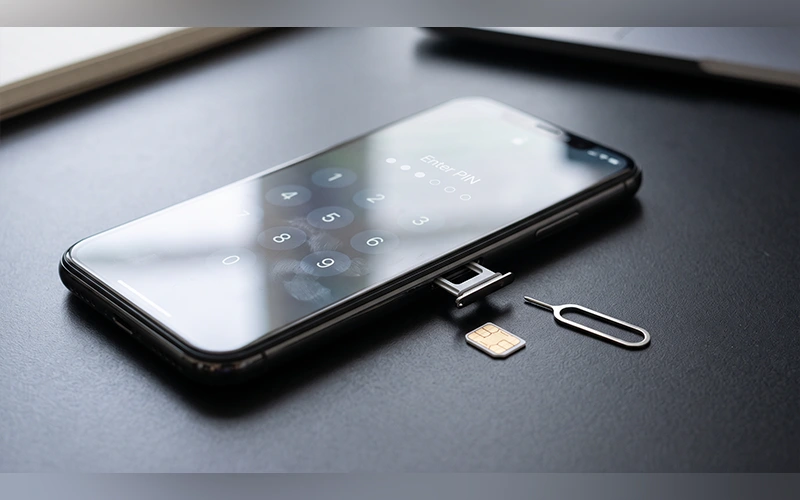
Do not guess your SIM PIN. Several incorrect attempts can lock the SIM and require a Personal Unblocking Key (PUK) from your carrier. Keep that distinction in mind when deciding how to prevent SIM swapping attacks: a SIM PIN helps protect a physical card, while carrier-level controls address fraudulent transfers.
Secure Your Accounts Without SMS
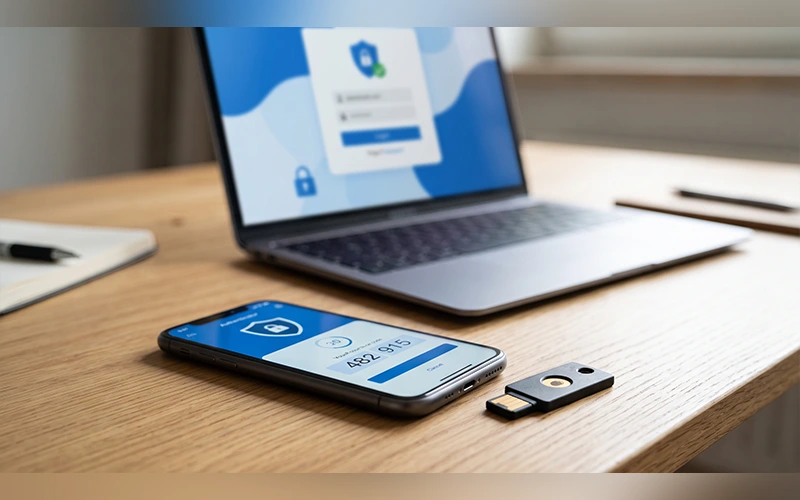
SMS-based verification can be compromised if a criminal takes control of your number. Where available, use a passkey, hardware security key, or authenticator app instead. how to secure your online accounts
Start with your most important accounts:
- Email: Use a unique password and stronger authentication because your inbox can be used to reset other accounts.
- Banking: Enable available security alerts and use the strongest supported login verification.
- Cloud storage: Secure the account that contains your files, backups, and recovery information.
- Social media: Review active sessions, recovery methods, and trusted devices.
- Other sensitive accounts: Check payment services, shopping accounts, and cryptocurrency platforms where applicable.
Review the recovery options for Gmail, Outlook, and other email services. Remove your phone number as a recovery method only if you have established a secure alternative and can still recover the account if you lose access.
Keep backup codes in a safe place away from your phone. A password manager can help you create and maintain unique passwords for each account.
Become a Less Attractive Target
Criminals may find it easier to impersonate people whose personal details are widely available or whose online accounts have weak passwords.
Take these precautions:
- Limit the personal information you share publicly, especially your phone number, birthday, and address.
- Use a password manager to generate unique passwords for your carrier account, email, and other important services.
- Check whether your email address appears in known data breaches using a reputable service such as Have I Been Pwned.
- Change compromised or reused passwords, starting with your email and mobile carrier accounts.
- Never share one-time verification codes or account PINs with someone who contacts you unexpectedly.
- Be cautious of callers claiming to be from your carrier’s fraud team.
- Contact your carrier using its official app, website, or the number on your bill if a request seems suspicious.
- Enable carrier and banking alerts for SIM changes, account changes, logins, and transactions where available.
What to Do After a SIM Swap
If you suspect a SIM swap, act quickly. Focus first on restoring control of your number and protecting accounts that could be used to steal money or compromise your identity.
1. Contact Your Mobile Carrier
Use another phone or an official support channel over Wi-Fi to contact your carrier’s fraud team. Explain that your number may have been transferred without permission.
Ask the carrier to investigate, restore your number, deactivate the unauthorized SIM or eSIM, and secure your account against further changes. Request a case or reference number and keep a record of the conversation.
2. Contact Your Bank and Payment Providers
Use a trusted device to contact your bank and other financial services. Report the suspected SIM swap and ask them to secure your accounts, review recent transactions, and block suspicious activity where appropriate.
If you see unauthorized transactions, report them immediately and follow the provider’s formal dispute process.
3. Secure Your Email and Other Accounts
Change your email password first if you can still access the account Next, protect your Apple or Google account along with other essential online services.
Use a trusted device, review recovery details, remove unfamiliar devices, and sign out of sessions you do not recognize. If you cannot access an account, use its official account-recovery process.
4. Replace SMS-Based Authentication
Once you regain control, set up passkeys or authenticator-based verification where supported. Review recovery phone numbers, backup email addresses, trusted devices, and any account settings the attacker may have changed.
Generate new backup codes if the old ones may have been exposed.
5. Report the Fraud
Report the incident to the relevant authorities in your country. For example:
- United States: Report fraud to the Federal Trade Commission through ReportFraud.ftc.gov. You can also report relevant telecommunications issues to the Federal Communications Commission.
- United Kingdom: Contact Action Fraud or the appropriate current fraud-reporting service.
- India: Report cybercrime through the government’s official National Cyber Crime Reporting Portal.
- Pakistan: Contact the currently designated national cybercrime reporting authority.
Keep copies of carrier correspondence, bank records, suspicious messages, and complaint reference numbers. These records may help with investigations and disputes.
6. Protect Your Credit and Identity
Where available, consider placing a fraud alert or credit freeze with the relevant credit bureaus. Monitor financial statements and account activity for signs of identity theft.
If you ever lose access to your Windows account, this guide explains how to reset your Windows password safely with five quick fixes and regain access to your computer.
Continue checking your carrier account after the immediate incident has been resolved. Confirm that its security settings remain enabled and that no unauthorized account changes have occurred.
Frequently Asked Questions
1. How can I prevent SIM swapping?
Enable your carrier’s SIM-change and number-transfer protections, set a strong account PIN, secure your email with a unique password, and use passkeys or authenticator-based verification instead of SMS wherever possible.
2. How can I tell if I’ve been SIM swapped?
A sudden loss of cellular service, unexpected SIM-change notifications, unfamiliar login alerts, and password-reset messages can indicate a SIM swap. Contact your carrier immediately if these signs appear together.
3. Is a SIM PIN enough to prevent SIM swapping?
No. A SIM PIN helps protect a physical SIM from unauthorized use, but it does not prevent a carrier from transferring your number to another SIM. Use carrier-level protections as well.
4. Are eSIMs safer than physical SIM cards?
Neither option automatically prevents SIM-swap fraud. An eSIM removes the need for a removable card, but a fraudulent transfer can still occur if an attacker compromises the carrier’s account-verification process.
5. Can a SIM swap bypass two-factor authentication?
It can compromise accounts that rely on SMS verification because the attacker may receive the codes sent to your number. Using passkeys, physical security keys, or authenticator apps can help lower this risk, depending on the service.
6. What should I do first after a SIM swap?
Contact your carrier’s fraud team immediately to restore your number and block unauthorized changes. Then secure your email, contact your bank, review account activity, and replace compromised authentication methods.
7. Can I recover money lost through SIM-swap fraud?
Recovery may be possible, but it depends on your bank or payment provider, the circumstances, local law, and the applicable dispute process. Report unauthorized transactions promptly and keep written records of your complaint.
8. Does a carrier lock make it harder to change phones or SIMs?
It can. Some protections must be disabled before a legitimate SIM replacement, device upgrade, or number transfer. Follow your carrier’s official procedure and re-enable protection after the change is complete.
Final Thoughts
SIM-swap fraud exploits weaknesses in mobile account verification, so protecting your number requires more than a phone lock. Enable your carrier’s security features, secure your email, and use stronger authentication methods wherever possible. If your service suddenly disappears alongside unexpected account alerts, contact your carrier immediately.
For more articles like this, visit our site: https://factbreaker.com/