

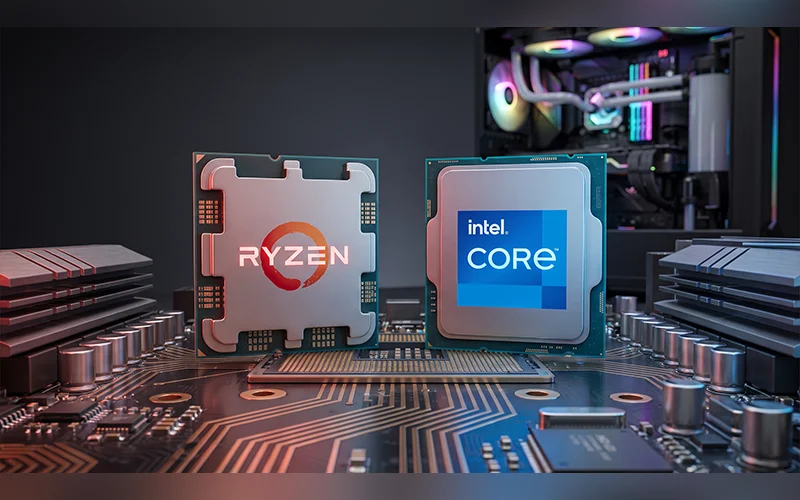

Walk into any computer market and the first question you’ll hear is the same: Ryzen or Intel? The shopkeeper has a favourite, your cousin has a stronger opinion, and YouTube has fifty more. The honest answer to AMD Ryzen vs Intel in 2026 is that neither brand wins everywhere, and anyone who says otherwise is probably selling one of them. Ryzen leads in gaming, efficiency and upgrade flexibility, while Intel stays ahead in single-core speed, media work and mid-range pricing. Your own workload, budget and upgrade plans decide the rest.
Why This Choice Feels So Confusing
Part of the problem is history. For years, Intel meant higher clock speeds and AMD meant more cores. Shoppers carried that rule of thumb from one generation to the next, long after it stopped being reliable. Today the gap has narrowed from both sides, and the old shortcuts no longer work.
Naming makes things worse. Ryzen 9000, Core Ultra 200S and older Core i5 chips all sit in the same shop window. Intel dropped the “i” from its newest desktop line, so a Core Ultra 7 and a Core i7 look like cousins but belong to different generations. It’s no surprise that every forum thread on AMD Ryzen vs Intel Core ends in an argument rather than an answer. The lineup breakdown below clears up most of that.
Meet the Lineups: Ryzen, Core and Core Ultra
Comparing AMD Ryzen vs Intel processors gets much easier once you know how each company labels its tiers.
Ryzen 5, 7 and 9 in Simple Words
AMD keeps things tidy. Ryzen 5 is the budget-to-mid-range pick. Ryzen 7 is the balanced chip for people who game and create. Ryzen 9 is built for those who render, compile code or run virtual machines for a living. The current desktop generation, Ryzen 9000, sits on the AM5 socket.
Every Ryzen core is a full-strength core, and a feature called Simultaneous Multithreading lets each one run two threads at once.
How Intel’s Tiers Are Arranged
Intel’s naming runs in parallel: Core i5, i7 and i9 for earlier generations, and Core Ultra 5, 7 and 9 for the newer Arrow Lake desktop chips. The bigger difference is inside. Intel uses a hybrid design with Performance cores for demanding work and Efficient cores for background chores. Arrow Lake also drops Hyper-Threading, so each Performance core runs a single thread.
That means a fair AMD Ryzen vs Intel Core Ultra comparison can’t just count cores. It has to ask what kind of cores they are.
| Intel | AMD | Typical buyer |
| Core i5 / Core Ultra 5 | Ryzen 5 | Budget builders and office users |
| Core i7 / Core Ultra 7 | Ryzen 7 | Gamers and creators who want balance |
| Core i9 / Core Ultra 9 | Ryzen 9 | Workstation and enthusiast users |
Real-World Speed, Not Just Benchmark Numbers
Benchmarks are useful, but they measure ideal conditions. In daily use, two kinds of speed matter. Single-core speed decides how fast one task finishes: opening an app, exporting a photo in Lightroom, or running an engineering simulation that can’t spread across many cores. Multi-core speed decides how well a chip handles work that can be split up, like 3D rendering, encoding and compiling.
Intel often holds a small lead in the first kind. AMD tends to lead in the second.
In the AMD Ryzen vs Intel i7 matchup, a Ryzen 7 and a Core i7 or Ultra 7 feel close for editing and streaming. Intel adds QuickSync, a media engine built into the processor that speeds up video encoding and decoding. Editors notice it daily, because timelines scrub more smoothly and previews load faster.
At the top end, the picture shifts. In AMD Ryzen vs Intel i9, Intel’s flagship pairs a high core count with strong single-thread speed, which suits someone who renders in the morning and jumps between creative apps all afternoon. Ryzen 9 answers with excellent multi-threaded throughput that holds steady through long exports and 3D scenes.
Gaming Performance Where It Really Matters
In AMD Ryzen vs Intel for gaming, AMD has the cleaner story, and it comes down to X3D chips. AMD stacks extra cache vertically on top of the processor, which AMD calls 3D V-Cache. The CPU keeps more game data close at hand and makes fewer slow trips to system memory. You get higher frame rates and, more importantly, fewer micro-stutters, those tiny hitches in the middle of a fight. The Ryzen 7 7800X3D and 9800X3D are the chips every other gaming processor gets measured against.
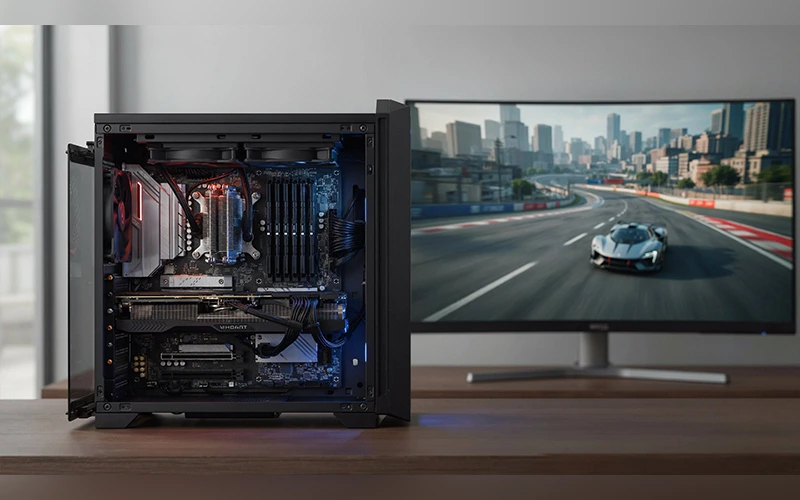
Your resolution and graphics card change how much any of this matters. At 1080p with a powerful GPU, the processor is the limiting factor, and the X3D lead is easiest to see. At 1440p and 4K, the graphics card does most of the work and the gap shrinks. Sometimes the smarter move is putting that extra money into a better GPU.
Intel still delivers smooth, high-tier gaming, especially with Core i7 and i9 models and the newer Core Ultra range. Those chips just trail X3D models in frame-rate charts. If you’re building on a tighter budget, the Ryzen 5 7600X and 9600X are popular picks, and Intel’s Core i5 line competes closely.
Everyday Work, Study and Multitasking
Most people aren’t rendering anything. They’re juggling a spreadsheet with thousands of rows, forty Chrome tabs, a Zoom call and a PDF they keep losing. Either brand copes with that comfortably, though Intel has a slight edge.
Think of the hybrid design as a traffic controller. When you weigh AMD Ryzen vs Intel for office work, that is where Intel’s edge comes from: antivirus scans and cloud syncing get pushed to the Efficient cores, leaving the Performance cores free for your active browser tab and your video call. A Ryzen 5 or Ryzen 7 handles the same workload without trouble, but Intel’s single-core tuning makes app launches feel a touch snappier. Would you notice? Probably only if you used both machines back to back.
For students and small-office buyers, the AMD Ryzen vs Intel i5 choice rarely changes daily speed, since Ryzen 5 and Core i5 or Ultra 5 chips all handle this kind of work easily.
Laptops: Battery, Heat and Fan Noise
On a laptop you can’t swap the cooler or fit a bigger heatsink, so efficiency decides everything. In the AMD Ryzen vs Intel laptop debate, AMD usually wins on battery life and built-in graphics. Ryzen AI 9 and the 7000 and 8000 mobile series run efficiently, and their integrated Radeon graphics are strong enough for casual gaming without a dedicated GPU. Cooler chips also mean quieter fans, which you’ll appreciate during a hot summer afternoon with the laptop on your lap.
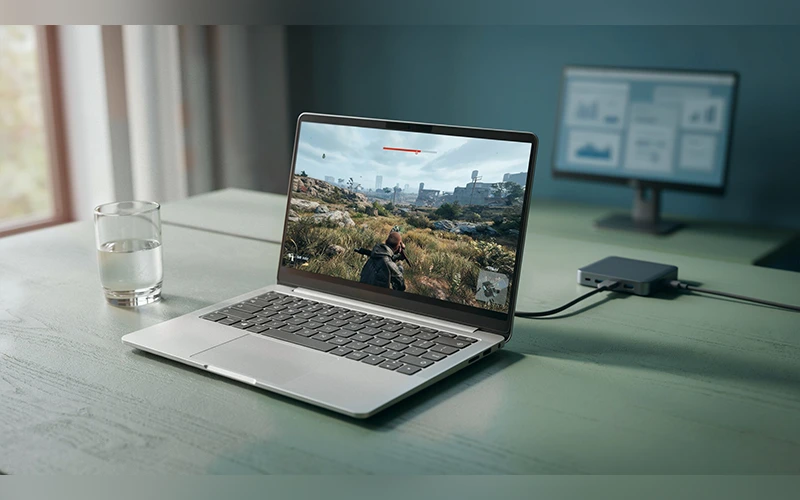
Intel’s Core Ultra laptops fight back with connectivity. Thunderbolt makes docking simple: one cable can drive multiple 4K monitors and fast external drives, which suits a desk setup you plug into every morning. Many Ryzen laptops use USB4 instead, which works with most docks, though Thunderbolt certification is more common on Intel models. Core Ultra chips also include a dedicated NPU for on-device AI features. AMD’s Ryzen AI chips have one too, so the NPU rarely settles the decision on its own.
Price, Value and Hidden Costs
The processor’s price tag is only part of the bill. A motherboard, RAM, a cooler and a power supply all join the list. Both AM5 and Intel’s current Arrow Lake platform accept only DDR5 memory, so RAM costs about the same either way. Buyers on a tight budget often look at older AM4 or LGA 1700 boards, which allow cheaper DDR4, though only with older-generation processors. Memory speed matters less than people think: Ryzen 9000 runs happily around DDR5-6000, so skip pricier kits.
Running costs matter too. Ryzen chips are built on efficient TSMC manufacturing, so they generally draw less power and produce less heat, and a modest cooler is often enough. Intel’s high-end chips can pull a lot of wattage under heavy load and may need a stronger cooler and power supply. Where electricity is expensive and many homes rely on a UPS, a frugal processor saves money beyond the checkout counter.
Mid-range is where Intel often shines. In the AMD Ryzen vs Intel Core i5 comparison, Core i5 and Core Ultra 5 chips tend to be priced aggressively, which is a real bargain if you aren’t chasing top-tier gaming frame rates.
If you can’t afford a graphics card yet, a Ryzen 8000G processor has Radeon graphics capable enough to let you wait. Intel’s integrated graphics handle everyday display and video work well, but they aren’t built for gaming. Intel’s F-series chips have no integrated graphics at all, so they need a graphics card from day one.
One local warning: prices in Pakistan move with the dollar rate and import stock. The cheaper brand on paper can flip within a few weeks, so compare current listings from at least two sellers and check the warranty terms.
Upgrade Path and Long-Term Support
This is where AMD has the clearest advantage. The AM5 platform is designed to span several processor generations, so you can buy a motherboard now and drop in a newer Ryzen years later with a BIOS update. AMD has said it will support AM5 through at least 2027. Imagine starting with a Ryzen 5 today and moving to an X3D chip in two years while paying only for the processor.
Intel has historically changed sockets every couple of generations, so a new CPU often means a new motherboard as well. If you replace your whole PC every five or six years anyway, this barely matters. If you like to upgrade in small steps, it matters a lot, so check a board’s CPU support list before buying.
So, Which One Should You Pick?
Match the chip to your routine, not to the logo.
| If you are… | Consider |
| A gamer chasing the highest frame rates | Ryzen X3D |
| Planning to upgrade only the CPU later | Ryzen on AM5 |
| Building a quiet, low-power PC | Ryzen |
| Rendering, 3D modelling or encoding for hours | Ryzen 9 |
| Editing video or working in Lightroom | Intel Core or Core Ultra |
| A student or office user on a budget | Whichever i5 or Ryzen 5 is cheaper that week |
| Buying a laptop for battery life | Ryzen |
| Buying a laptop to dock with multiple screens | Intel |
Final Thoughts
Processor wars make entertaining videos, but your workload and your wallet are the only judges that count. The AMD Ryzen vs Intel decision gets simple once you know what you’ll actually do with the machine. Before you pay, make sure the motherboard, cooler and graphics card suit the chip you choose. Still undecided? Share your budget and main use in the comments, and we’ll suggest a combination that fits.
Frequently Asked Questions
Is Core Ultra faster than Core i7?
Not automatically. In the AMD Ryzen vs Intel comparison, Core Ultra 200S chips mainly bring improved efficiency and a new platform, while their gaming gains over the previous generation have been modest. Compare benchmarks for the exact models and games you care about instead of relying on the processor name.
How many cores do I need?
For gaming and office work, 6 to 8 cores are plenty. Video editing, 3D rendering and heavy multitasking benefit from 12 or more cores, which is where Ryzen 9 and Core i9 or Ultra 9 come in.
Are Intel 13th and 14th gen processors safe to buy?
Intel traced the instability in some of those chips to elevated voltage, then released microcode updates and extended warranty coverage for affected boxed processors. If you buy one, update the BIOS first and keep the warranty details. Core Ultra 200S is a newer design.
Do Ryzen processors run hot?
Some Ryzen chips are designed to boost until they reach around 90°C under load, so a high reading is not automatically a fault. A decent cooler keeps things stable.
Can I pair an Nvidia graphics card with a Ryzen processor?
Yes. CPU and GPU brands are independent, so Ryzen with GeForce and Intel with Radeon are both common. You just need a free PCIe slot and a power supply with enough capacity.
Can I reuse my old cooler if I switch brands?
Sometimes, but not automatically. AMD and Intel use different mounting systems. Many coolers ship with extra brackets, so check the manufacturer’s compatibility list before buying.
Do I need to reinstall Windows when switching from Intel to AMD?
A clean install is the safest route. A new motherboard changes the drivers Windows relies on, and an old installation can fail to boot or ask you to reactivate. Back up your files first.
Should I wait for the next generation?
There’s always something newer around the corner. If your current computer is struggling, buy now. If it still runs fine, waiting usually means cheaper prices on today’s models.
For more articles like this, visit our site: https://factbreaker.com/