
You open Photoshop to resize a single image, and the subscription reminder pops up again. Plenty of people pay every month for software where they use maybe a tenth of the features. You don’t have to anymore. This guide covers the best free alternatives to Photoshop that are worth your time, from full desktop editors to tools that live in a browser tab, along with the trade-offs the marketing pages leave out.
Quick answer: Affinity Studio is the best free desktop editor, Photopea is the best in a browser, GIMP suits open-source fans, and Krita is the pick for painters and illustrators.
Why People Are Walking Away From Photoshop
Photoshop is brilliant, but it was built for studios. At $22.99 a month, it adds up to roughly $275 a year. The app takes ages to launch on a modest laptop, and most casual editors never touch its 3D, video, or scripting tools. People switch from Photoshop for different reasons, whether it’s cutting software costs, finding a faster editing tool, or avoiding monthly subscription fees altogether.
Searches for a free replacement now lead with a tool that was paid software until Canva made it free in late 2025.
What to Check Before You Choose
Which free photo editor makes the most sense for your specific needs? It depends on five things you can check in minutes. Does the editor handle layers and masks properly? Can it process RAW files if you shoot with a camera? How well does it open PSD files from clients? Can you learn the interface over a weekend? And does the free version quietly cap exports, add watermarks, or nudge you toward a paid plan?
The Best Free Alternatives to Photoshop Reviewed
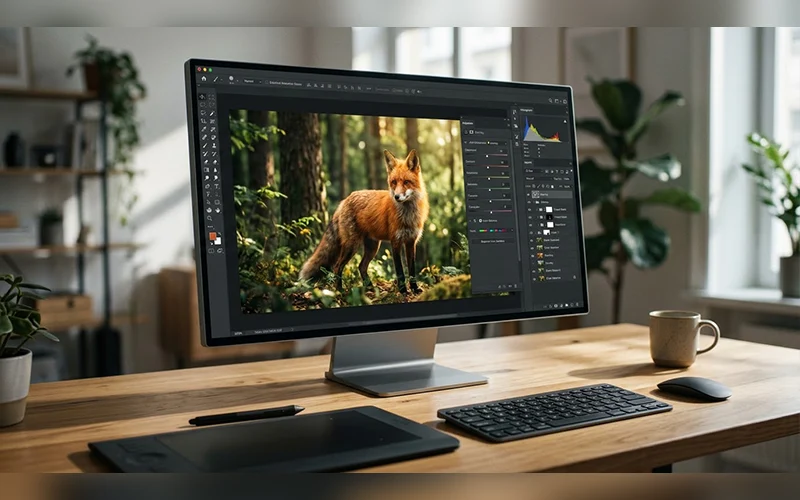
Affinity Studio, the Strongest All-Rounder
Canva bought Affinity and merged the old Photo, Designer, and Publisher tools into one app, listed as Affinity by Canva. Windows aur macOS dono ke liye yeh bina kisi cost ke available hai. Inside you get a RAW development workspace, non-destructive adjustment layers, live filters, detailed masking, and strong selection tools. It also imports PSD files.
You sign in with a free Canva account, and the generative AI tools, such as Fill and Expand, sit behind a paid Canva plan. Your projects remain saved on your computer rather than in cloud storage. It suits retouchers, photographers, and designers who want a serious desktop workflow.
Photopea, Photoshop’s Look in a Browser Tab
Drop a file into Photopea and you’ll swear you opened Photoshop. The panels, layout, and keyboard shortcuts are nearly identical, so your muscle memory carries straight over. Smart objects, layer styles, blend modes, text layers, and masks all work. It also opens XCF, Sketch, and XD files, which helps when a team mixes tools.
Since it opens PSD files directly, it is one of the most practical Adobe Photoshop alternatives for people who still receive files from clients. The downsides are ads on the free tier and sluggish performance with huge, multi-gigabyte files. It’s ideal for Chromebook users and for quick edits on a computer that isn’t yours.
GIMP 3.2, the Open-Source Veteran
GIMP has been around for decades, and version 3.2, released in March 2026, adds features it lacked for years. Link layers let you place an external image in a composition and transform it without losing quality, and the content updates when the source file changes. Vector layers arrive too, along with 20 new MyPaint brushes, better import of PSD layer styles, and a CMYK ink coverage display for print soft-proofing.
Among the best Photoshop alternatives, GIMP still has the deepest pool of extensions, plus Script-Fu and Python-Fu for automation. The price of that depth is a busy interface that can overwhelm newcomers. A free community patch called PhotoGIMP rearranges GIMP 3 to look more like Photoshop, which softens the learning curve.
Krita, Built for Painters and Illustrators
Krita is for people who paint rather than retouch. Its brush engines are deep, its stabilizers smooth out shaky strokes, and its pattern tools are fully customizable. It’s free, open source, runs on Windows, Mac, and Linux, and can handle simple 2D animation too.
Photo-correction tools are comparatively thin, so don’t expect it to replace Photoshop for portrait work. For concept art and digital illustration, though, few free tools come close.
Paint.NET, Lightweight Editing for Windows
Paint.NET began as a college project mentored by Microsoft and grew into a fast, uncluttered editor. It supports layers, unlimited undo, effects, and community plugins. On Windows, it is one of the best free alternatives to Photoshop when speed matters more than depth.
The limits are clear: it runs only on Windows and works with raster images, so there are no vector tools. It won’t suit heavy retouching, but for cropping, cleanup, and simple composites it stays light even on older hardware.
Pixlr, Quick Fixes in Your Browser
Pixlr comes in two versions. Pixlr X handles quick, template-driven jobs, while Pixlr E offers layers and more advanced editing. Its AI tools, including one-click background removal and generative expand, save real time.
The free version restricts how many images you can export each day, and some layers in PSD files may not be preserved when you import them. It also works on mobile, which makes it a good pick for beginners and anyone fixing social media images on the go.
Canva and Adobe Express, Design Without the Learning Curve
If you mostly open Photoshop to make social posts, flyers, or posters, you may not need a photo editor at all. These two tools offer drag-and-drop layouts, simple filters, and text tools that get a finished graphic out the door quickly. They don’t offer pixel-level retouching, custom brushes, or complex layer masks. They’re the best free alternatives to Photoshop only if you design more than you retouch. Marketers and small business owners will get the most out of them.
Free RAW Editors for Photographers
If you mostly develop RAW files instead of compositing images, two open-source programs rank among the best free alternatives to Photoshop for that job. Both are closer to Lightroom than to a layer-based editor.
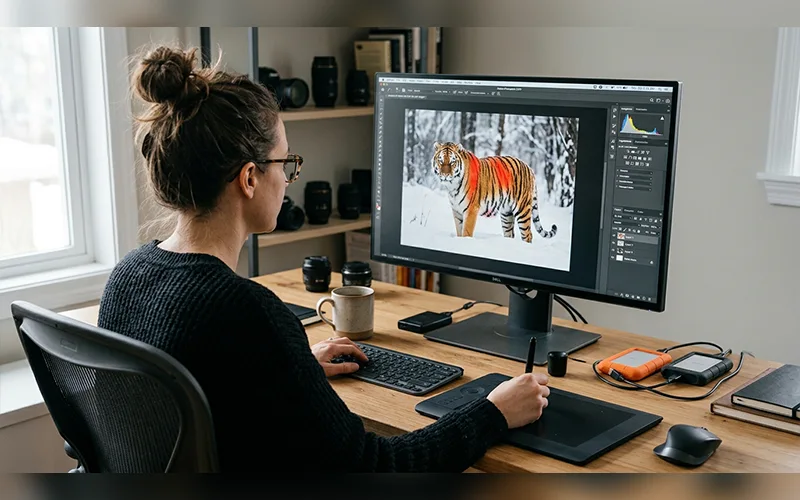
Darktable, a Digital Darkroom
Darktable pairs a lighttable for organizing big shoots with a non-destructive editing pipeline that works in 32-bit floating point. It reads more than 400 camera RAW formats, exports in batches, and runs on Windows, Mac, and Linux. Its module-based layout takes time to learn, and it isn’t built for layered compositing. Choose it if you shoot often and want editing and library management in one place.
RawTherapee, Precision for RAW Files
RawTherapee concentrates on pulling the best image out of a RAW file, with a floating-point engine and several demosaicing algorithms. Its menu-driven interface feels more traditional than Darktable’s, and it has a built-in file browser. The trade-off is that Darktable’s database-driven library is stronger for very large collections.
Comparison at a Glance
Here is a side-by-side view of the best free alternatives to Photoshop covered above.
| Tool | Platform | Cost | Best for |
| Affinity Studio | Windows, Mac | Free, Canva account needed | Professional retouching and design |
| Photopea | Browser | Free with ads | Quick edits, PSD files |
| GIMP 3.2 | Windows, Mac, Linux | Free, open source | Customization, plugins, scripting |
| Krita | Windows, Mac, Linux | Free, open source | Digital painting |
| Paint.NET | Windows | Free | Light, fast edits |
| Pixlr | Browser, mobile | Free tier with export limits | AI-assisted quick fixes |
| Canva / Express | Browser, mobile | Free plans | Social and marketing graphics |
| Darktable | Windows, Mac, Linux | Free, open source | RAW workflow and library |
| RawTherapee | Cross-platform | Free, open source | Precise RAW development |
Getting AI Help Without Paying
Free plans handle one-click cleanup better than creative generation. Adobe Express adds a daily allowance of free generative generations, which makes it the easiest place to try prompt-based edits at no cost. For larger generative work, budget for a paid plan on whichever platform you use. Open-source editors take a different path: GIMP, Krita, Darktable, and RawTherapee ship without a built-in generative service, so their value is precise manual control.
Good Options for Mac Users
For anyone searching for Photoshop alternatives Mac users can rely on, Affinity Studio, GIMP, Krita, and Darktable all offer Mac versions, and Affinity is also available on the Mac App Store. Photopea and Pixlr run in Safari or Chrome, so there’s nothing to install or update.
Where Free Editors Still Fall Short
Even the best free alternatives to Photoshop leave a few gaps. Photoshop’s built-in Generative Fill, its tight link with other Creative Cloud apps, and its huge library of plugins, presets, and tutorials are hard to match. Print-heavy teams may still prefer its complete CMYK workflow; GIMP’s new ink coverage display helps with soft-proofing, but it isn’t the same thing. If your job depends on shared cloud libraries or a client-mandated Adobe pipeline, keep Photoshop for that work and use a free editor for the rest.
Which One Should You Choose?
Match the tool to the job rather than chasing the longest feature list:
- Beginners: start with Pixlr or Canva.
- Photo retouching: Affinity Studio is the safest bet.
- RAW photography: go with Darktable or RawTherapee.
- Digital art: pick Krita.
- Heavy PSD workflows: Photopea handles them best.
- Older Windows PC: Paint.NET keeps things fast.
If you want the best free alternatives to Photoshop online, with nothing to install, Photopea and Pixlr are the safest picks.
If you’d consider a paid tool, Skylum Luminar Neo offers a free trial and is built around AI-driven fixes such as sky replacement and portrait relighting.
File Formats Worth Knowing Before You Switch
The right format protects both your layers and your image quality. Keep a layered working copy in the editor’s native format, export to PSD only when someone else needs it, and never overwrite your original RAW file.
| Format | Keeps layers | Use it for |
| PSD | Yes | Handing files to Photoshop users |
| XCF | Yes | Working files in GIMP |
| KRA | Yes | Working files in Krita |
| TIFF | Optional | Lossless archives and print |
| PNG | No | Web graphics with transparency |
| JPEG | No | Final photos for sharing |
RAW files are developed in a RAW editor first, then exported as TIFF or JPEG once the edit is done.
Common Mistakes When Switching
Many people who try the best free alternatives to Photoshop give up early, and the reasons are predictable. They expect every menu to sit where Photoshop put it, then blame the new tool when it doesn’t. They also forget that shortcuts differ everywhere except Photopea, so a few minutes with the shortcut list saves hours of frustration.
Another trap is judging a tool by a single edit.
Final Thoughts
You can now do professional-grade work without paying Adobe a cent.
Pick one and use it on a real project this week. Within a few hours you’ll know whether the best free alternatives to Photoshop are good enough for your work, and for most people, they are.
Frequently Asked Questions
Is there a completely free version of Photoshop?
Not permanently. Adobe offers a 7-day trial of the full desktop app, the free Photoshop Express app for iOS and Android, and a free Adobe Express plan in the browser. After the trial, desktop Photoshop is subscription-only.
Can I open PSD files without Photoshop?
Yes. Photopea, Affinity, and GIMP all open PSD files, though smart objects, special fonts, and effects can flatten or shift, so open a test file before you commit to a workflow.
Are online photo editors safe to use?
Generally yes, but your image is processed through a web service. Read the privacy policy, and keep confidential client files in an offline editor.
Will these editors run on an older computer?
Paint.NET on Windows and the browser-based Sumopaint are lightweight and suit older machines, and Sumopaint also works on Chromebooks. Heavier desktop apps, such as Affinity Studio and GIMP, need more RAM for large files.
Can I use free photo editors for commercial work?
Generally yes with the open-source tools. GIMP, Krita, Darktable, and RawTherapee are free for personal and commercial projects. For Affinity, Photopea, Pixlr, and Canva, read the current terms first, since stock assets, templates, and AI-generated content often carry their own license rules.
Is it possible to share PSD files with clients without having Photoshop?
Usually, yes. Photopea and GIMP can both export PSD files, but always reopen the exported file to check that text, layer styles, and masks survived. If a client depends on live smart objects, ask whether a flattened PNG or PDF proof is enough.
Is GIMP or Photopea better?
It depends on where you work. GIMP is the stronger pick for offline use, plugins, and automation. Photopea wins when you want a Photoshop-style layout with no setup at all.
Is it safe to download a cracked version of Photoshop?
No. Pirated Photoshop versions can expose your computer to security threats, lack official updates, and violate Adobe’s licensing terms. Choosing a trusted free photo editor is a more secure way to get similar editing capabilities.
For more articles like this, visit our site: https://factbreaker.com/